The Amazon Merch Ad Setup That Cuts ACoS to Single Digits (And Why Most Sellers Are Doing It Wrong)
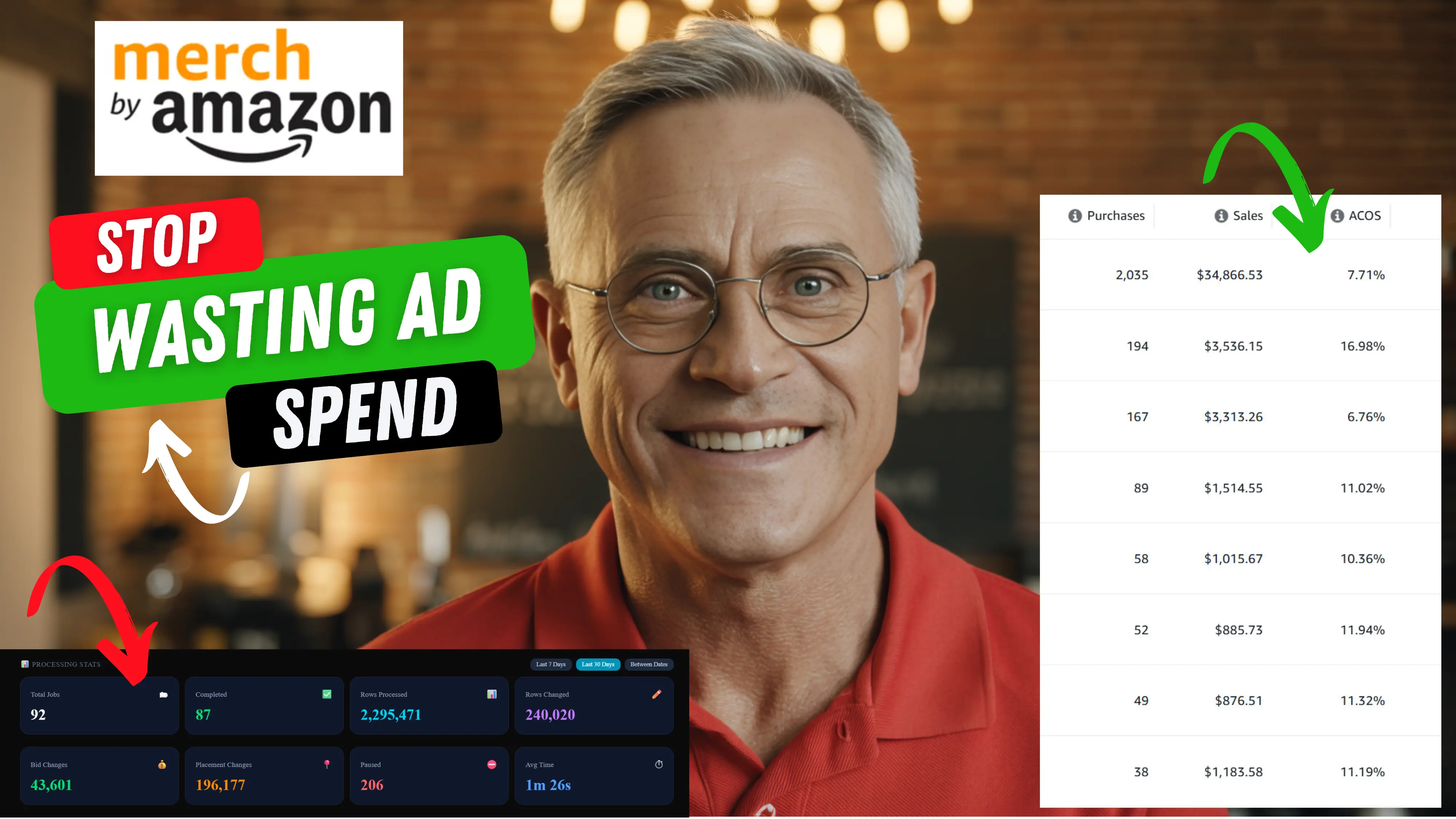
Most Amazon Merch sellers running auto campaigns are making the same expensive mistake — throwing dozens or hundreds of ASINs into a single ad group and wondering why their ACoS keeps climbing. If you've ever felt like you're flying blind with your ad data, unable to tell which designs are actually profitable or which search terms are driving real sales, this article is for you.
There's a smarter campaign structure that changes everything. It's not complicated, but it requires you to rethink how you organize your ads from the ground up.
The Problem With Traditional Lottery Campaigns
The standard approach for Merch sellers running auto campaigns looks something like this: one campaign, one ad group, hundreds of ASINs dumped in together. It's fast to set up and it gets clicks. But that's where the benefits end.
Here's what you're actually dealing with when you run this structure:
- You can't optimize individual designs. When you adjust targeting bids, it affects every single ASIN in the ad group equally. That means if you want to pour more budget into a design with a 6% ACoS, you're also increasing spend on the one sitting at 70% ACoS right next to it.
- Your search term data becomes useless. With hundreds of ASINs in one ad group, search term reports show you thousands of results with no way to connect a specific keyword to a specific design. You can't act on data you can't interpret.
- Scaling profitable designs is nearly impossible. You can identify a winner, but you have no clean way to isolate it and scale spend without contaminating the rest of your ad group.
The traditional multi-ASIN ad group might feel efficient to set up, but it creates an optimization dead end. You're essentially managing your ads blindfolded.
The One-ASIN-Per-Ad-Group Structure
The fix is straightforward in concept: every ASIN gets its own ad group within your auto campaign. This is sometimes called the lottery structure, and it's the campaign setup that separates serious Merch sellers from those stuck at mediocre ACoS numbers.
When each ASIN has its own ad group, everything changes:
- You can see exactly which search terms are converting for a specific design
- You can adjust bids for a single ASIN without affecting others
- You can identify your top performers instantly and act on them
- You can pause underperformers cleanly without disrupting your winners
Sellers who have made this switch consistently report ACoS numbers in the single digits for their best-performing designs — compared to the 30–50%+ averages they were seeing with the mixed ad group approach.
Comparison: Traditional vs. One-ASIN-Per-Ad-Group
| Feature | Traditional Multi-ASIN | One-ASIN-Per-Ad-Group |
|---|---|---|
| Bid control | All ASINs affected equally | Per-ASIN precision |
| Search term clarity | Mixed, hard to attribute | Clean, per-design data |
| Scaling winners | Difficult | Straightforward |
| Pausing losers | Blunt | Surgical |
| Setup complexity | Low | Requires bulk file tool |
| Optimization potential | Limited | High |
| Typical ACoS range | 30–60%+ | 6–20% for winners |
How to Set This Up at Scale
The obvious challenge: if you have hundreds or thousands of ASINs, manually creating one ad group per ASIN in the Amazon Ads console would take days. You need a bulk file approach.
Here's the process:
- Campaign name: Use a consistent naming convention with an identifier (e.g., US-Tshirt-1x1-Auto) so you can filter these campaigns easily later
- Daily budget: Start at $5 per campaign — conservative enough to gather data without overspending
- Bid: $0.10–$0.15 for most accounts. Go to $0.15 if you want faster data
- Bidding strategy: Fixed bids work well for this structure. Down Only is also popular — test both
What to Do After Your Campaigns Are Running
Once your one-ASIN-per-ad-group campaigns have been running for 14 days, you have enough data to start optimizing meaningfully. This is where most sellers leave significant money on the table.
Identifying Winners
Filter your campaigns by ACoS. Any design with an ACoS under 20% and more than one sale in the period is worth increasing spend on. You can now do this cleanly — adjust the bid for that specific ad group only, without touching anything else.
Pausing Losers
Look for ad groups with significant spend (typically $7+ over 14 days) and zero sales. These are clear pause candidates. With the one-ASIN structure, you pause only that design — your winning ad groups keep running untouched.
Mining Search Terms
Click into a high-performing ad group and review its search term report. Because it's one ASIN, every search term you see is relevant to that specific design. If you see a term converting consistently, pull it into a dedicated manual campaign with a higher bid to capitalize on it directly.
Scaling Your Best Performers
Once you've identified designs with strong ACoS numbers, you have a few options:
- Increase bids on the auto campaign ad group — more impression share for a design already converting
- Create a manual campaign targeting specific keywords that are already proven winners from your search term data
- Launch placement adjustments — if your search term report shows Top of Search placements converting well, add a placement boost of 10–30% and monitor the impact
This is where having clean optimization rules becomes critical. Managing bids across hundreds of individual ad groups manually is not sustainable. Running a bulk file optimization tool like PPC Optimizer Pro lets you apply rules across your entire account — pausing zero-sale ad groups, adjusting bids based on ACoS thresholds, and managing placements — all in a few minutes rather than hours.
Common Mistakes to Avoid
Mixing product types in the same campaign. Keep T-shirts with T-shirts, mugs with mugs. Different products have different conversion rates and optimal bid levels — mixing them muddles your data. Setting budgets too high at launch. A $5 daily budget per campaign is enough to gather data. You're running potentially hundreds of campaigns — starting conservative prevents overspending while your account builds history. Not saving your campaign settings as a preset. If you're using a bulk file tool to generate these campaigns, save your configuration as a preset immediately. You'll be running these setups repeatedly as you add new designs, and re-entering settings every time wastes time and introduces errors. Optimizing too early. Give campaigns at least 14 days before making any changes. Amazon needs time to learn, and you need statistical significance before drawing conclusions. The one-ASIN structure gives you clean data — but only after sufficient data has accumulated.The Ongoing Optimization Workflow
Once your campaign structure is in place, your weekly workflow becomes systematic:
This entire process, once your rules are configured, takes under 15 minutes per week. The time you save versus manually managing individual campaigns compounds significantly as your catalog grows.
The sellers seeing 6–10% ACoS on their best designs aren't more talented — they're more organized. Structure creates the conditions for optimization. Optimization creates the results.
Final Thoughts
The shift from multi-ASIN ad groups to one-ASIN-per-ad-group isn't just a tactical change — it's a fundamental improvement in how you relate to your ad data. Every number becomes actionable. Every decision becomes precise. And your ability to scale winners without dragging up your overall ACoS becomes real.
If you're managing this structure across a catalog of any meaningful size, pair it with an automated optimization workflow. PPC Optimizer Pro processes your Amazon bulk file and applies your bid rules across all campaigns in under 60 seconds — so the structure you build can be maintained without burning hours every week.
Try it free for 7 days at ppcoptimizerpro.com — no credit card required.Keep reading
Written by
PPC Optimizer Pro Team
The PPC Optimizer Pro Team consists of Amazon sellers and developers who built this tool after years of managing Sponsored Products campaigns manually. We share data-driven strategies to help sellers reduce wasted ad spend and improve ACOS.